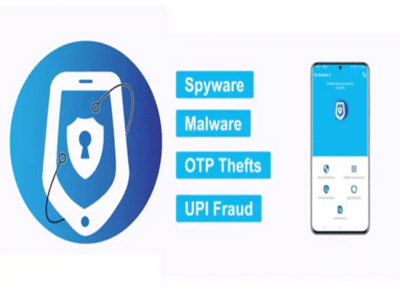
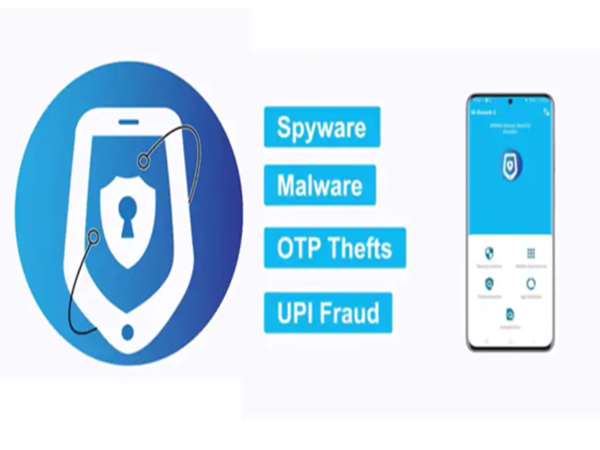
Mobile Security App: In today's digital era—where banking and personal data are right at your fingertips—the threat posed by cyber fraudsters has also increased significantly. If you, too, are concerned about threats such as phone viruses, UPI fraud, and OTP theft, there is no longer any need to panic. To bolster mobile security, the Government of India has introduced a highly specialized government app that will act as a protective shield for your smartphone. Let's explore this app in detail...
Malware, spyware, UPI fraud, and OTP theft often operate silently within a phone; users typically only realize what has happened after the damage has already been done. To safeguard phones against these risks, the Government of India has developed *MKavach2*. This is a mobile security solution designed specifically for Indian users. The app continuously monitors the device's security status, identifies potential threats, and alerts the user, thereby enabling them to take immediate action. Let's take a look at its features...
1. Security Advisor
This feature checks the overall status of the phone and identifies vulnerabilities—such as unsafe settings or installations from unknown sources—alerting the user to these risks.
2. Threat Analyzer
Utilizing machine learning technology, this feature detects dangerous applications that may be hidden within the phone.
3. Hidden/Banned App Detection
This feature scans the device for hidden, side-loaded, or banned applications and alerts the user to their presence.
4. Adware Scanner
This tool scans for and identifies unwanted advertising-related applications, alerting the user to their existence.
5. App Update Checker
This feature displays a list of outdated applications that have not yet been updated.
6. App Verifier
This feature verifies the authenticity of applications, distinguishing between genuine and fake apps.
Why is it special?
The Government of India's *MKavach2* app stands out because it is privacy-friendly. This app never collects personal data, thereby ensuring continued safety.
How does this app work?
The MKavach2 app runs in the background of the phone and continuously scans the device. It subsequently notifies the user only when risky elements are detected.
How to download the app?
Android users can download the MKavach2 app from the official Google Play Store. Please note that this app is available exclusively for Indian users.
Disclaimer: This content has been sourced and edited from NDTV India. While we have made modifications for clarity and presentation, the original content belongs to its respective authors and website. We do not claim ownership of the content.
Contact to : xlf550402@gmail.com
Copyright © boyuanhulian 2020 - 2023. All Right Reserved.