5
Solutions to fix slow Wi-Fi speed: Nowadays, when we depend on the Internet for every task, Wi-Fi has become an essential requirement of every home. But, often we have to face problems to Wi-Fi. Sometimes the network speed is very slow, sometimes the connection gets disconnected repeatedly, and sometimes Wi-Fi does not work properly.
We often think that the problem lies with the Wi-Fi or the router, whereas in most cases it is not. The good thing is that there is no need to call an expert to solve these problems. Here are some simple solutions you can try at home to solve your Wi-Fi problems.
First make sure that the internet is not actually turned off
If you are having problems with your Wi-Fi, first check whether the problem is with the entire internet connection or just Wi-Fi. Sometimes, the router’s red light comes on or blinks, indicating connectivity problems.
For this, try opening a website on different devices. If the page is not loading on any device, contact your Internet service provider and check if the network is down in your area.
Restart the router and modem once
Restarting the router can sometimes solve major Wi-Fi problems. Turn off the router and modem, unplug them, and wait for about 30 seconds. Then, plug them back in and turn them on. It can fix minor software issues and make the internet connection more stable than before.
Check Router Status
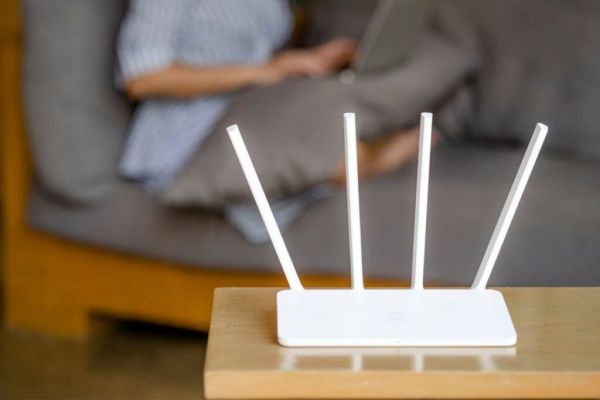
This is one of the basics, but sometimes incorrect positioning of the router in the home can cause a bigger issue. If your router is placed in a corner, behind the TV, or in a cupboard, its signal will not be able to reach the entire house properly. It is important to keep it in a suitable open place.
Are there too many devices connected at once?
If your Wi-Fi seems slow, check how many devices are connected to it. Many mobiles, laptops, smart TVs and other devices remain connected on the same network. Having too many devices active at the same time can slow down your speed, especially if your broadband plan is basic. Speed improvements are possible by disconnecting non-functional devices.
Check Wi-Fi Speed
The simplest solution to check Wi-Fi speed is to use a free speed test app or website. If you get speeds that are lower than the plan you are paying for, there is a problem somewhere. In such a case, contact your Internet service provider, as the problem could be with the network, bad cable, or even the router.
Have any thoughts?
Share your reaction or leave a quick response — we’d love to hear what you think!
Contact to : xlf550402@gmail.com
Copyright © boyuanhulian 2020 - 2023. All Right Reserved.